

Overview
This guide explains the differences between documentation modes. A documentation mode is the combination of the approach and system prompt that governs how the task of document generation is carried out by the LLM. Documents can be generated utilizing two different modes:- Global Sequential: the current default if nothing specified
- Routed Parallel: the new, improved documentation generation mode
documentationMode: routed_parallel in your POST /documents request and reference a supported template or supported sections.
Routed Parallel currently only supports facts as input context.
This feature requires human oversight of its outputs
Advantages of routed_parallel
Faster document generation
Increases in document generation up to 35% 1 Increased completeness
Especially for use cases that involve a very high amount of facts, this method ensures the section generation step receives all relevant facts as input. Then the section-specific instructions govern the level of details, condensing or omissions for the synthesizing summary. More robust
Variability of outputs, and content misplacement in irrelevant sections is significantly reduced.Notes:
1 Depending on input size and complexity of section instructions.
Increases in document generation up to 35% 1 Increased completeness
Especially for use cases that involve a very high amount of facts, this method ensures the section generation step receives all relevant facts as input. Then the section-specific instructions govern the level of details, condensing or omissions for the synthesizing summary. More robust
Variability of outputs, and content misplacement in irrelevant sections is significantly reduced.
This method might slightly increase input token consumption. In most production cases this will have a very slim effect on credit consumption, as input tokens to a large degree will be cached and are discounted. We will bring increased transparency and more detailed metadata related to document generation requests in the coming months.
1 Depending on input size and complexity of section instructions.
How it works
To better understand the differences, let’s have a look what’s happening under the hood and the differences between the documentation modes.Routed Parallel
When specifyingdocumentationMode: routed_parallel in the request with facts as input, this is what the Corti API and LLM do behind the scenes:
1
Classification and routing
Based on each template section’s
content or contentOverride instructions, the LLM batch-assigns each fact to the relevant section(s).
If the
content or contentOverride field for a section is empty, the API will fail the request. Utilize the GET template or GET templateSections endpoints to verify this field is populated, and ensure in case you use contentOverride this is not setting it as empty.2
Parallel section generation
Now each section has only the relevant facts as input and all sections are generated in parallel based on each individual section’s instructions, plus potential template-level global instructions.
3
Guardrails
Unless disabled in the request, documentation guardrails verify in parallel each section and, where relevant, replace indexed content segments with its corrected content.
Global Sequential
When specifyingdocumentationMode: global_sequential, this is what the Corti API and LLM do behind the scenes:
1
Global context
The API passes the entire context from the request (all facts, full transcript, string) to the LLM.
2
Sequential section generation
Each section is generated sequentially processing the relevant aspects of the globally available context.
3
Guardrails
Unless disabled in the request, documentation guardrails verify in parallel each section and, where relevant, replace indexed content segments with its corrected content.
Visual flow comparison
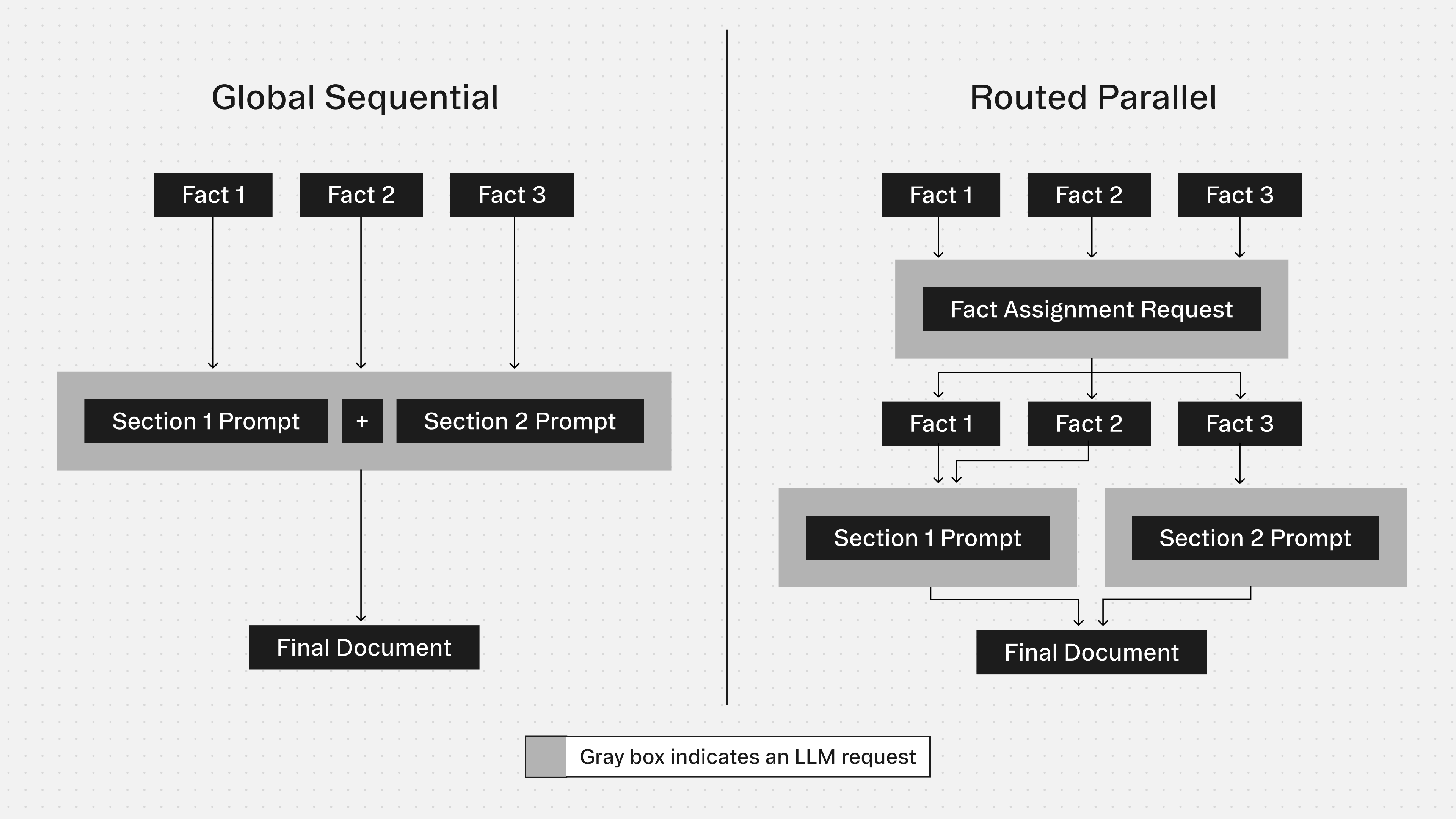
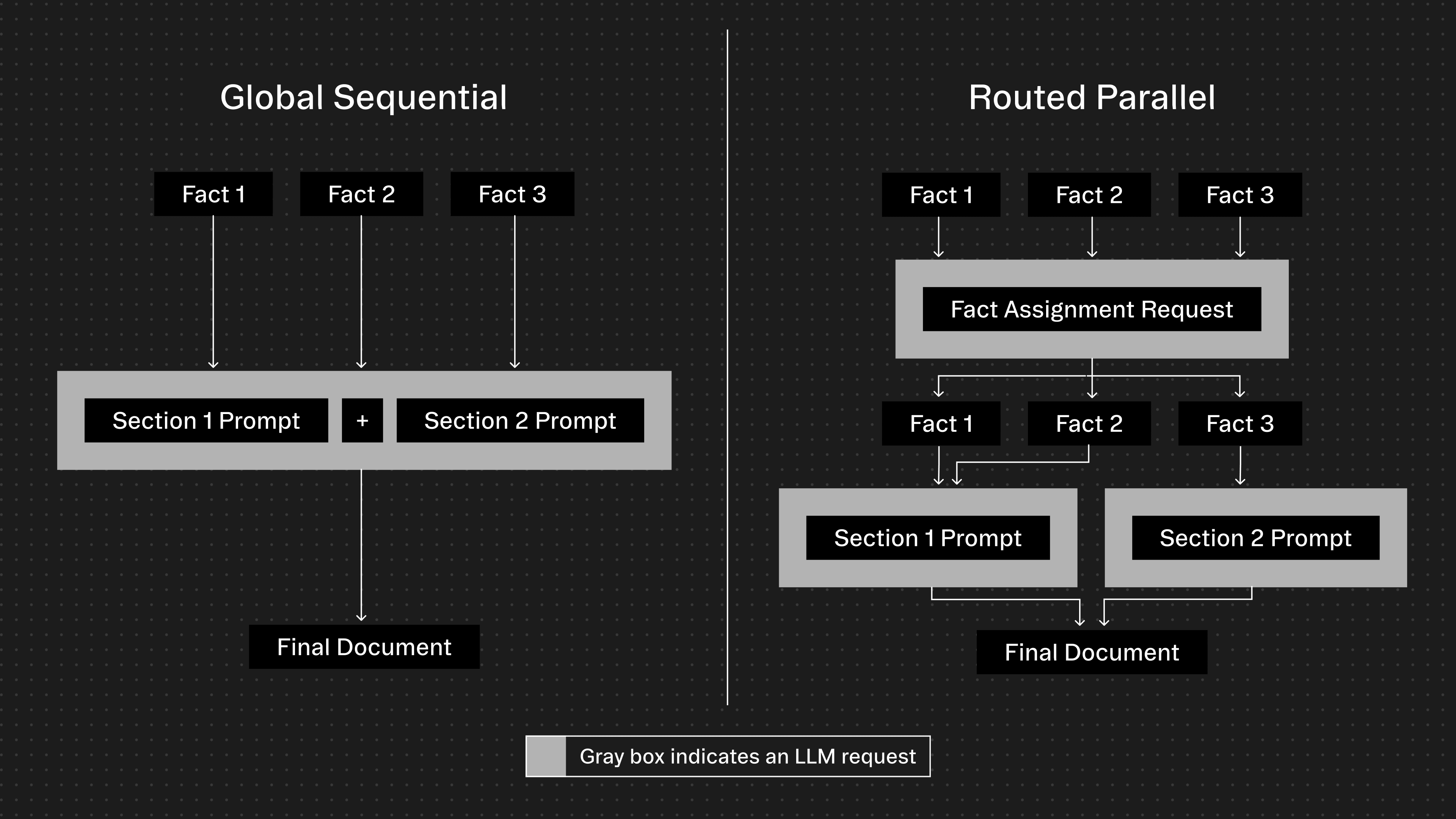
Template and section requirements
documentationMode: routed_parallel requires the content field on each section used in a template to be set. The API will return an error if this is not the case.documentationMode.