> ## Documentation Index
> Fetch the complete documentation index at: https://docs.corti.ai/llms.txt
> Use this file to discover all available pages before exploring further.
# FactsR™ Real-Time Extraction
> Learn how to extract FactsR™ in a real-time workflow
This page explains the behaviour of real-time facts extraction via the `/streams` API endpoint. In addition to the raw [API reference](/api-reference/streams#facts), Corti also provides this endpoint wrapped into the [JavaScript SDK](/sdk/js/overview) and [C# .NET SDK](/sdk/dotnet/overview) ready for you to integrate with your app.
Real-time clinical reasoning
Humans-in-the-loop by design
Intermediate documentation layer
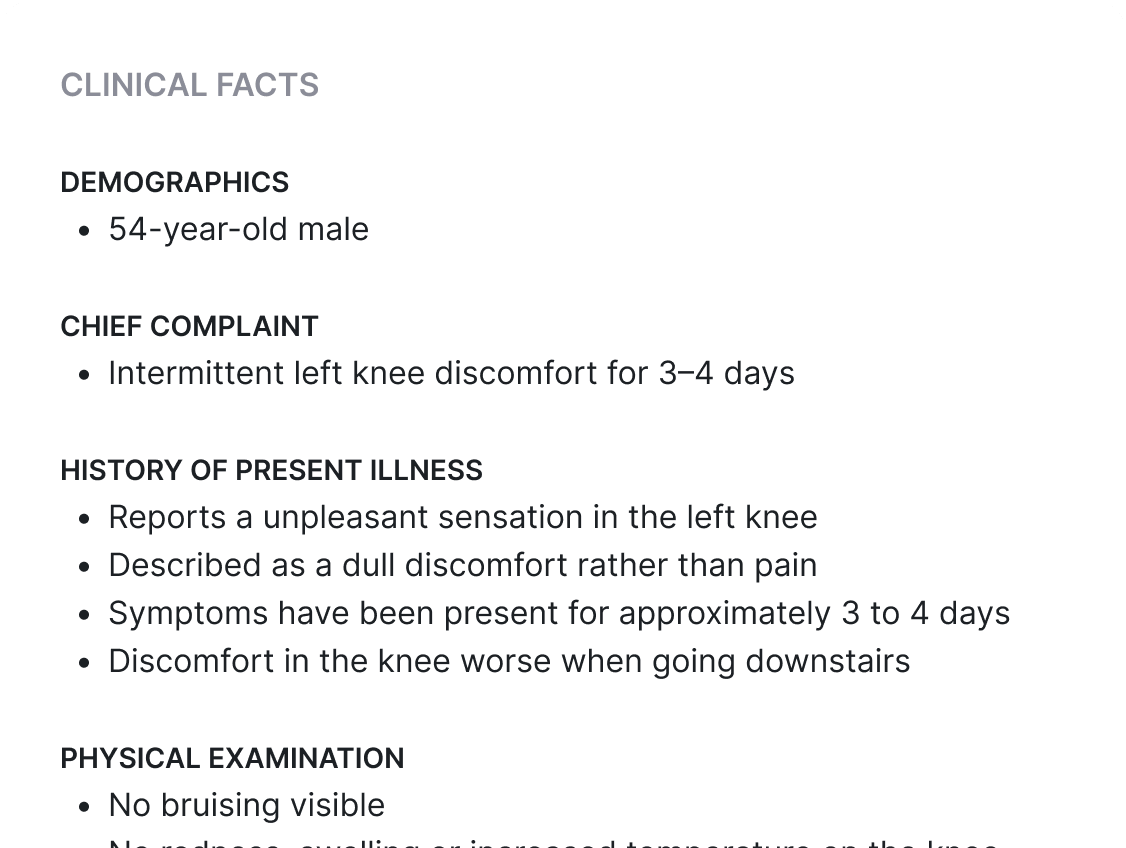 This feature requires human oversight of its outputs
***
## Features
Click on the cards to learn more...
Beta
This feature requires human oversight of its outputs
***
## Features
Click on the cards to learn more...
Beta
Tune how frequently facts are extracted during a streaming session — defaults to \~60 seconds, configurable for tighter feedback loops.
The LLM assigns each extracted fact to the most relevant `factGroup` automatically. See available [fact groups](/api-reference/facts/list-fact-groups).
Seed an interaction with facts added via API before the stream begins — age, chief complaint, existing diagnoses — to steer real-time extraction.
***
## Using the API
Use this endpoint if your integration is centred around a real-time workflow, streaming live audio to return transcripts and extract facts over a WebSocket.
This endpoint is stateful, with data storage related to a specific `interactionId`.
Audio, transcripts and extracted facts are automatically saved to the database by the API. Enterprise-grade customers can disable data persistence.
You are in full control to delete individual records pertaining to a given interaction (e.g. only audio, only facts), or can simply delete the overarching interaction which will cascade delete to all collection resources.
Initiate a `/streams` by creating an Interaction, which will return a `web socket URL` along with the `interactionId`.
Connect to the web socket and commit your configuration along with `type: config`. Here the most relevant parameters for Facts extraction:
| Parameter | Description |
| :---------------- | :------------------------------------------------------------------- |
| `primaryLanguage` | Spoken language to be transcribed |
| `mode` | Define `facts` |
| `outputLocale` | Output language for extracted `facts` (required with "mode":"facts") |
Once config is accepted, begin sending audio packets.
Receive transcripts every \~3 seconds and facts extracted from transcript segments every \~60 seconds (standard response times can adapted for custom response times for Enterprise customers). Facts extracted by the LLM will be assigned the factGroup deemed most relevant. See available [fact Groups](/api-reference/facts/list-fact-groups).
After you send the `type.end` event, the server will process any remaining transcripts, extract any remaining facts, return those and then a `type.ENDED` event to close the WSS.
This workflow is also enabled via the [JavaScript SDK](/sdk/js/overview) and [C# .NET SDK](/sdk/dotnet/overview) to enable even faster integration
Now it is up to your integration to bring the clinician into the loop to review the extracted facts, add any additional missing aspects, or discard facts not relevant to generate documentation from.
Utilize the [batch PATCH facts](/api-reference/facts/update-facts) or [single PATCH fact](/api-reference/facts/update-fact) endpoints to reflect the clinician modifications.
Extracted facts will be marked a `source: core`. Use `source: user` to reflect a clinician edit or addition. Use `isDiscarded: true` to indicate a fact as not relevant to the documentation.
Guided DocGen: The API automatically filters out facts marked as discarded.
DocGen CLASSIC: Note, that you need to still filter those facts out and not include them in your request to generate a document. The API merely facilitates record-keeping at this point.
***
## Generation interval
Beta
By default, fact generation runs on a fixed \~60-second cadence — a steady-state rhythm that keeps token usage predictable across long consultations. For workflows that benefit from richer signal at the start of a session (live decision support, clinician feedback during the opening minutes of an encounter, ambient previews), two beta controls let you tighten the loop:
* **[`factGenerationInterval: fast_init`](/api-reference/streams#param-fact-generation-interval)** — the first fact generations follow a logarithmic ramp instead of the fixed 60s wait: roughly **10s, then 20s, then 26s**, and increasing toward the steady-state 60s interval. Pass it in the `config` event when opening the stream.
* **[`flush` event](/api-reference/streams#flush-the-audio-buffer)** — sent by the client at any time to first process any outstanding transcripts and then immediately trigger a fact generation pass. Useful when the integration needs facts on a UI cue rather than the server's cadence.
Both `factGenerationInterval=fast_init` and `flush`-triggered fact generation are in beta. A tighter cadence increases the chance of near-duplicate facts and may change the overall volume emitted — design your downstream review UI to absorb that.
***
## Prior Context
As facts can be [added via API](/api-reference/facts/add-facts), this also enables adding important prior context information to the interaction.
Imagine you want to ensure that the LLM has the following information that is as prior context available in the EHR, available to consider when extracting facts during the ambient consultation:
* 56 year-old, male
* Chief complaint: Struck by a turtle (W59.22)
* Existing diagnoses: diabetes type II
Add these three facts before starting the ambient /streams WebSocket if you want fact extraction to be influenced by these.
Watch out for release notes about enhanced support for this workflow coming soon.
You can also only include these in the POST documents request when generating documentation.
***
## Additional Information
As illustrated below, here are some additional relevant aspects to be aware of:
* A sliding context window is fed to the LLM
* Facts are extracted at roughly 60 second intervals
* Extracted facts undergo agentic quality-assuring refinement and are then returned over the WebSocket
* As facts are extracted, those are also exposed to the LLM to lead to the most relevant sequential extraction
 Currently, facts posted via API while an ambient /streams is ongoing, are not exposed to the LLM and can not be returned over the WebSocket